
Printer Setup in Caloundra
Local experts in everything IT since 2000. We provide reliable tech solutions for homes and businesses.
7
Core IT Services
5★
Customer Feedback
25y+
Experience
Family Owned
Tech Specialists
Fast Turnaround
Complete IT Solutions
Printer & Scanner Setup Made Simple
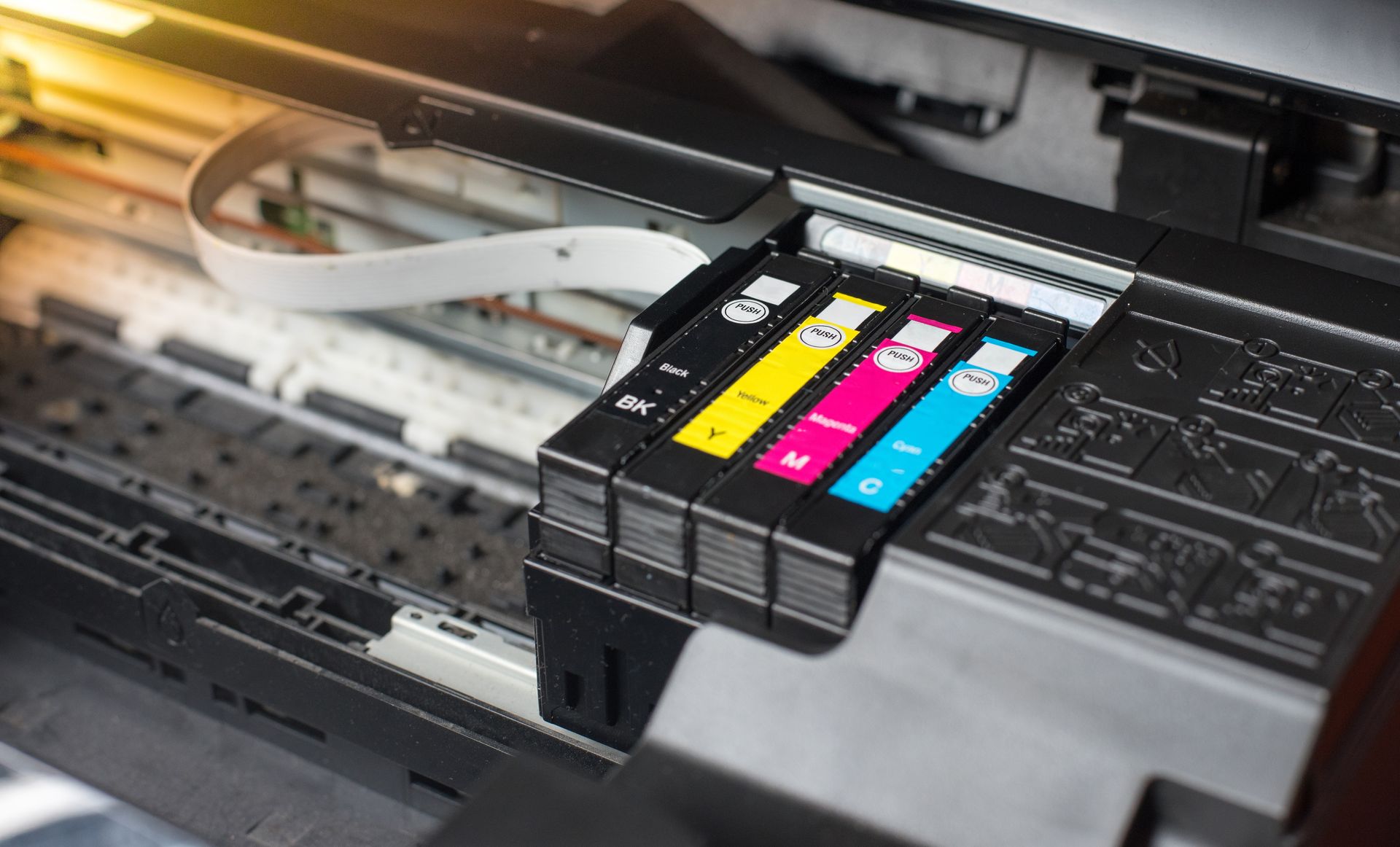
Setting up a printer or scanner can be frustrating, especially when drivers won’t install or the network refuses to connect. At Tech Aid in Caloundra, we make printer setup simple, fast and hassle-free. Our technicians configure printers and multifunction devices for homes and small businesses, ensuring they work seamlessly with your computer or network.
We also handle advanced functions like scan-to-folder and scan-to-email setup for models, including Toshiba, Ricoh and Kyocera. Whether you’ve bought a new printer or need help connecting an existing one, our local team gets everything running smoothly.
For quick, reliable printer setup, call us on (07) 5491 9998.
Frequently Asked Questions
Why won’t my printer connect to Wi-Fi?
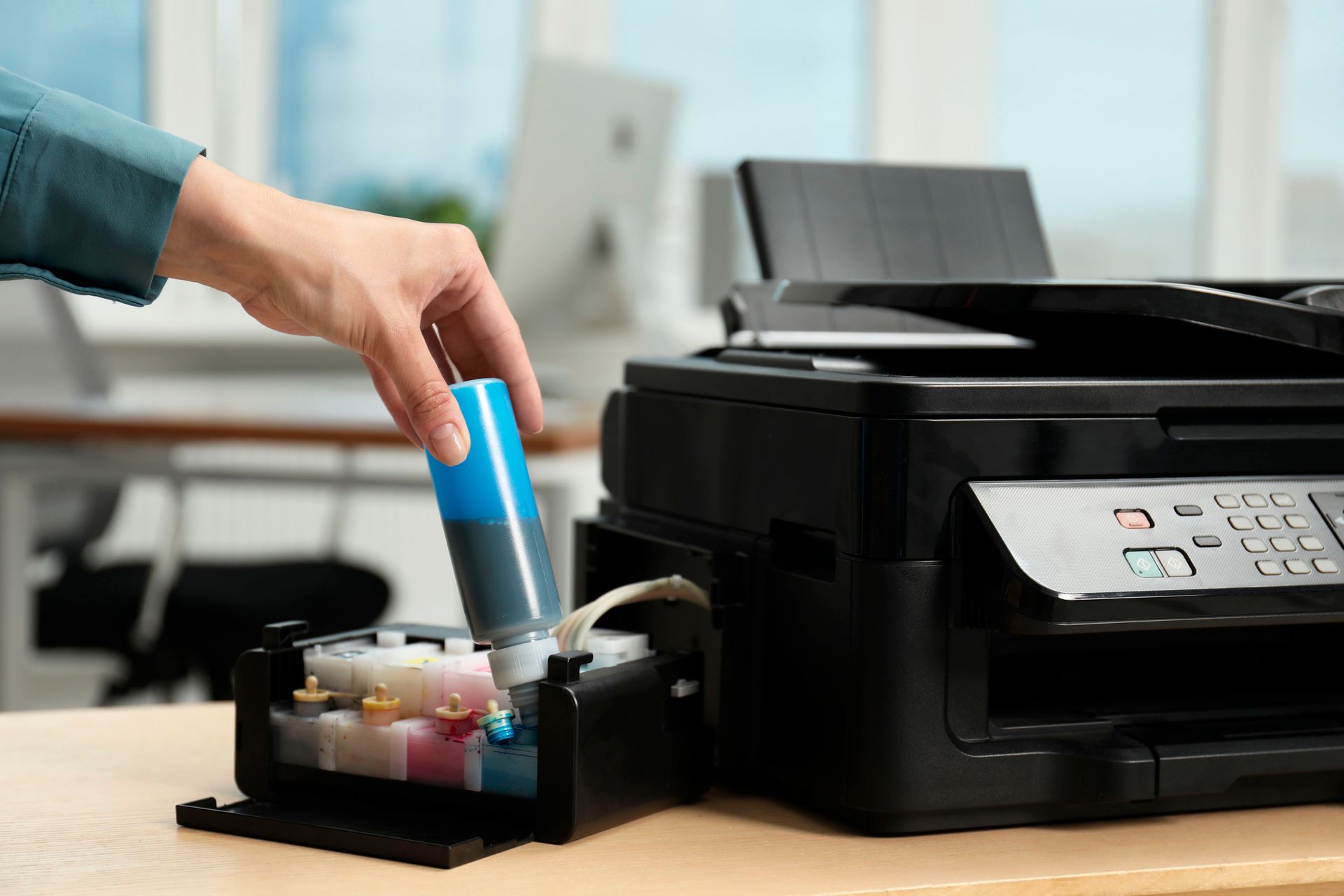
A printer may fail to connect to Wi-Fi for several reasons: incorrect network credentials, weak signal strength or outdated firmware. Ensure the printer and router are on the same network, restart both devices, and re-enter the Wi-Fi password. If issues persist, reinstalling printer drivers or resetting network settings usually resolves the problem.
How do I install printer drivers correctly?
Printer drivers can usually be installed automatically when connecting the device, but sometimes manual installation is required. Visit the manufacturer’s website to download the latest driver version specific to your model. After downloading, run the installer and follow the on-screen instructions. Restart your computer afterwards to ensure the driver installs properly.
Can I use one printer for multiple computers?
Yes, most modern printers support multiple devices. A network or Wi-Fi printer can be shared between computers on the same network. For wired printers, you can enable printer sharing through your operating system’s settings. Cloud printing services also allow access from multiple computers, tablets or phones, making printing more flexible and convenient.
Enquire Now
Thank you for contacting Tech Aid.
We will get back to you as soon as possible.
Please try again later.
From Setup to Support
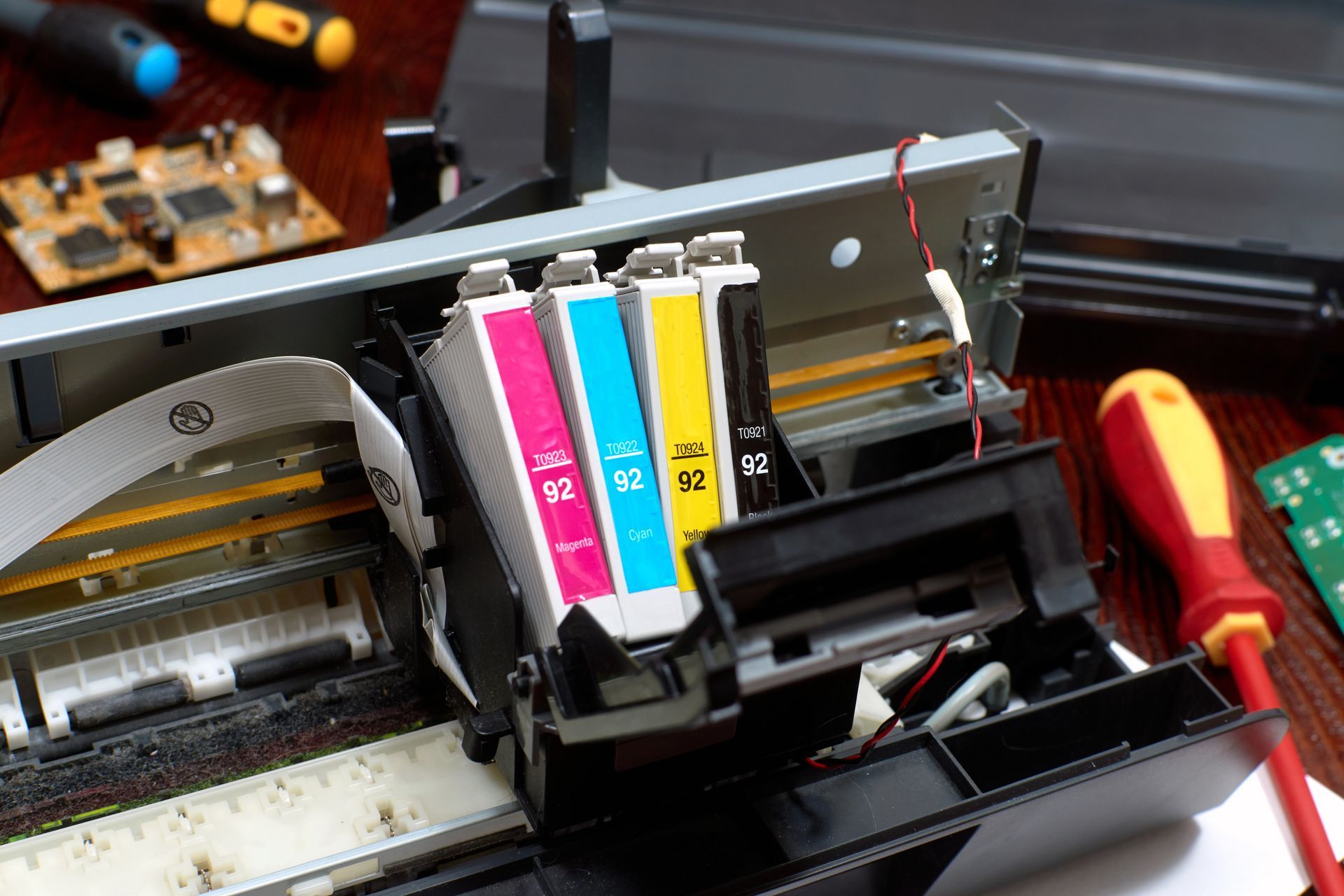
Printing should be simple, not stressful. Our experts connect and configure printers, scanners and wireless devices so you can print, scan and share files without interruption. We test every function – from wireless printing to double-sided output – to make sure your setup works exactly as it should.
If you use your printer for business, we can also help with shared network configurations and user access settings. We tailor every setup to suit your space and the way you work, so everything runs smoothly day after day.
Ready to get your printer up and running? Contact us today to arrange a setup!